- Pizza Stone for Solymac Oven
- Pizza stone for oven BAKERS PRIDE
- Pizza stone for BARTSCHER oven
- Pizza stone for Cookmax oven
- Refractory stone for CUPPONE pizza oven
- Pizza stone for FIMAR oven
- Pizza stone for GAM oven
- Pizza stone for oven GGF
- Refractory Stone for Italforni Pizza Oven
- Pizza stone for Moretti oven
- Refractory Stone for OEM Pizza Oven
- Pizzagroup Refractory Stone
- Refractory Stone for Prismafood Pizza Oven
- Pizza stone for oven RESTO ITALIA
- Pizza stone for Tornati oven
- Pizza stone for ZANOLLI oven
- Pizza stone for ZANUSSI oven
- Refractory stone for gas oven
- Refractory stone for pizza oven FORNITALIA
- Refractory stone for Rinaldi Superforni pizza oven
- Refractory stone for electric oven
- Matricola ML 44 Refractory Stone for Oven
- Round Refractory Stone for Pizza Oven


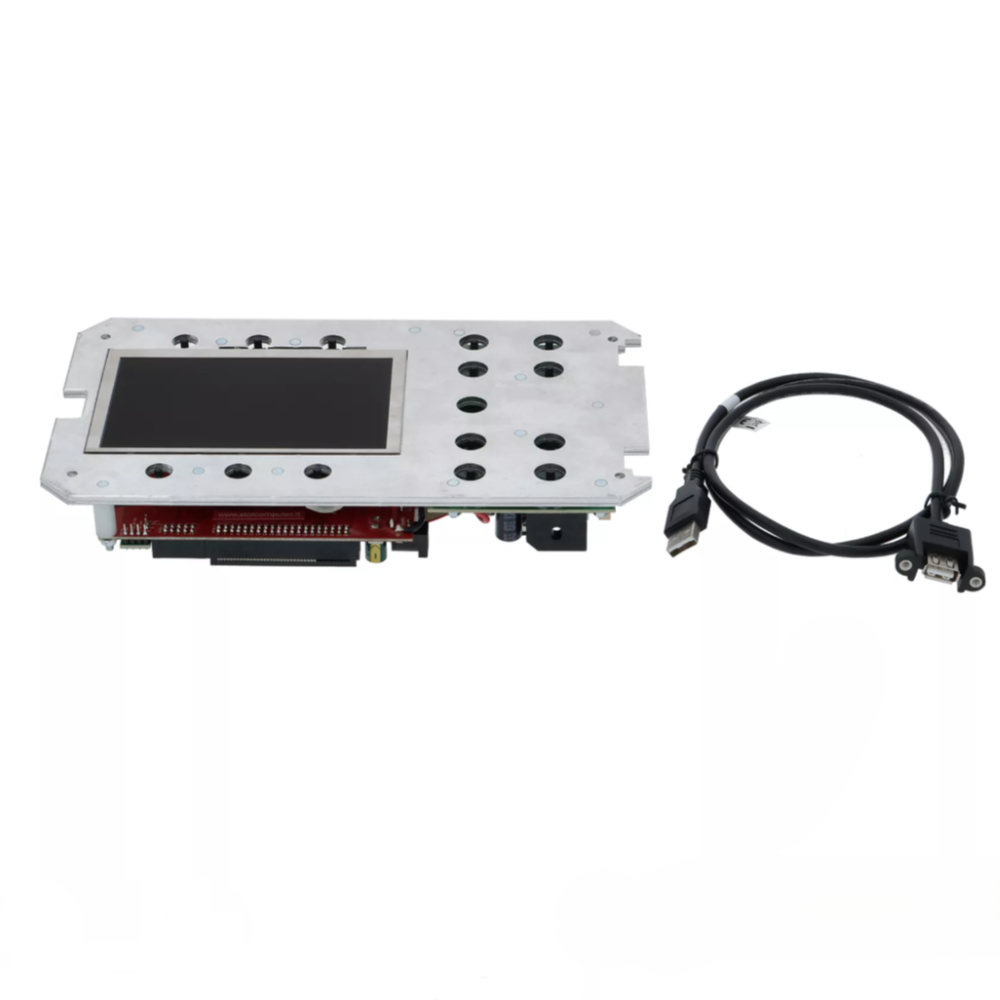
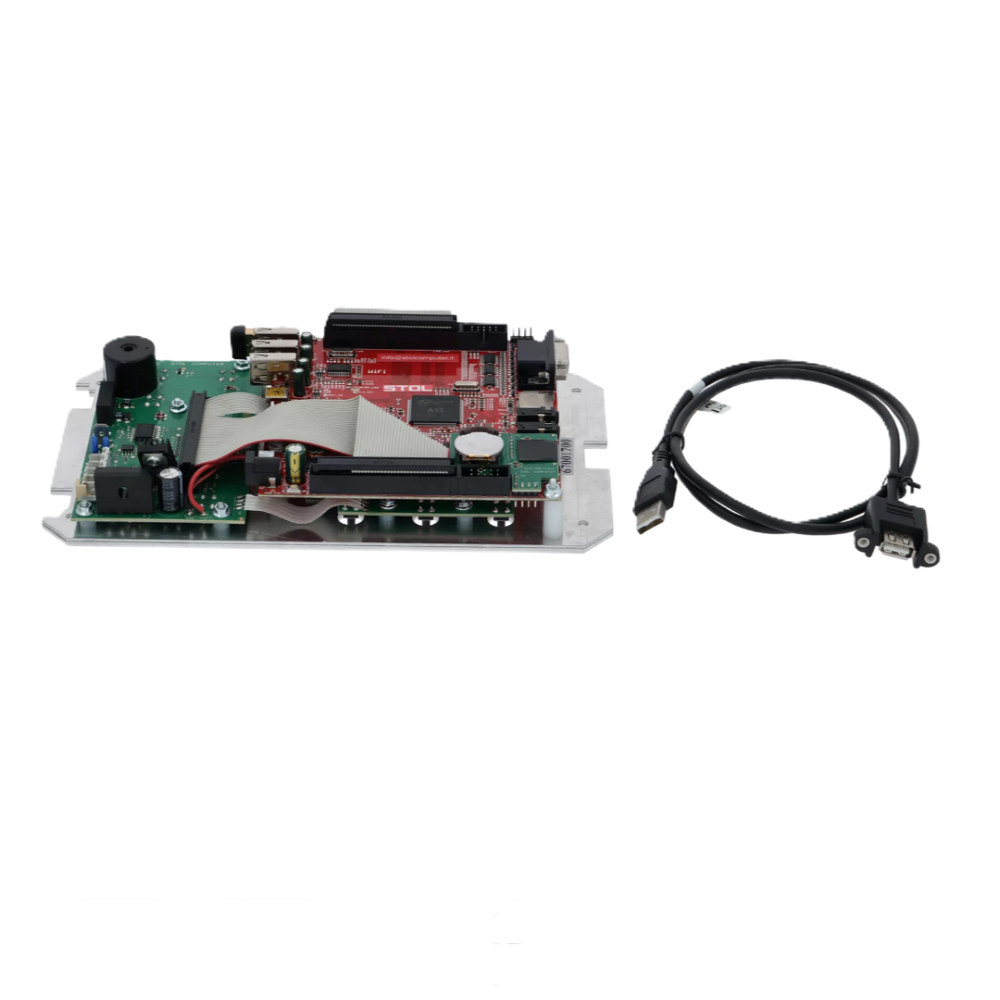
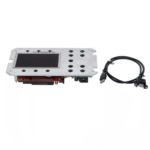
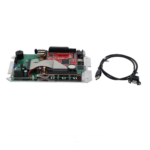

The MORETTI FORNI 67001700 reference corresponds to an electronic control board with colour LCD display, plate and instructions, intended for replacing the control board on certain professional Moretti Forni Series S ovens.
This component is part of the oven’s electronic control and display system.
It is designed to replace the corresponding assembly when the original board or display develops a fault.
Product Designation
67001700 – COLOUR LCD DISPLAY BOARD + PLATE + INSTRUCTIONS (MORETTI)
The assembly includes:
- an electronic control board;
- a colour LCD display;
- a plate;
- replacement and configuration instructions.
Function of the Board
This electronic board manages part of the oven’s control and display functions.
Replacement may be required in cases such as:
- display fault;
- screen not switching on;
- control board malfunction;
- electronic failure;
- control issue related to the board;
- damage to the display / board assembly.
However, a black screen or display issue does not necessarily mean that the board itself is faulty.
Before replacement, it is also advisable to check the power supply, connectors and wiring.
Moretti Forni Compatibility
Reference 67001700 is associated with several professional MORETTI FORNI Series S ovens.
The main series concerned are:
- S50
- S100
- S105
- S120
- S125
- S140
Compatibility depends on the exact model and oven revision.
Compatibility by Model and Revision
Moretti Forni S50
- S50-C: Rev.11 to Rev.20
- S50-K: Rev.11 to Rev.20
Moretti Forni S100
- S100-C: Rev.00 to Rev.20
- S100-K: Rev.00 to Rev.20
Moretti Forni S105
- S105-C: Rev.10 to Rev.20
- S105-K: Rev.10 to Rev.20
Moretti Forni S120
- S120-C: Rev.00 to Rev.20
- S120-K: Rev.00 to Rev.20
Moretti Forni S125
- S125-C: Rev.02 to Rev.20
- S125-K: Rev.02 to Rev.20
Moretti Forni S140
- S140-C: Rev.18 to Rev.20
- S140-K: Rev.18 to Rev.20
Why Check the Oven Revision?
Two ovens belonging to the same series may use different electronic components depending on their revision.
Therefore, do not check only the model name.
Before ordering, verify:
- the oven series;
- the C or K version;
- the revision number;
- the reference shown on the original board;
- the connector configuration.
For example, it is best to identify the oven with a complete designation such as:
S100-C Rev.15
or:
S125-K Rev.20
Replacing the Control Board
Board replacement requires access to the oven’s electronic section.
The procedure involves, in particular:
- fully disconnecting the electrical power supply;
- accessing the board;
- removing the necessary protective covers;
- marking the position of the old board;
- identifying the connections;
- removing the old board;
- installing the new board;
- reconnecting the connectors correctly;
- refitting the protective covers.
It is advisable to identify the exact position and connections of the original board before removal.
Reset Required After Replacement
After replacing the board, a reset is required.
The procedure starts with:
MENU → ASSISTANCE → confirm
Then follow the instructions shown on the display.
This step allows the new board to be configured correctly after installation.
Configuration After Reset
Depending on the appliance, the configuration procedure may require several settings.
These may include:
- language;
- date;
- time;
- oven configuration;
- presence or absence of certain functions;
- steam presence depending on the appliance configuration.
Always follow the instructions shown on the display and the instructions supplied with the board.
Professional Installation Recommended
This component is part of the oven’s electronic control system.
Therefore, the intervention should be carried out carefully.
Before any work:
- switch the oven off completely;
- disconnect the electrical power supply;
- make sure there is no voltage present;
- identify the connections before removal;
- handle the board carefully;
- avoid pulling or stressing the cables;
- carry out the reset after installation.
For complex work, installation by a qualified technician is recommended.
Checks Before Ordering
Before ordering reference 67001700, always check:
- brand: MORETTI FORNI;
- exact oven model;
- C or K version;
- revision;
- original board reference;
- connector layout.
The reference to verify is:
67001700
Technical Specifications
- Product: electronic control board
- Display: colour LCD
- Manufacturer reference: 67001700
- Brand: MORETTI FORNI
- Supplied with: board + LCD display + plate + instructions
- Application: professional Moretti Forni Series S ovens
- Function: electronic control and display
- Configuration after installation: reset required
- Installation: technical intervention recommended
Frequently Asked Questions
What is the reference of this board?
The Moretti Forni manufacturer reference is 67001700.
What is included in the assembly?
The assembly includes:
- electronic control board;
- colour LCD display;
- plate;
- instructions.
Is this only a display?
No.
It is an electronic assembly including the control board and colour LCD display.
Is a reset required after installation?
Yes.
After replacing the board, a reset is required to configure the new component correctly.
How do I start the reset?
The procedure starts with:
MENU → ASSISTANCE → confirm
Then follow the instructions shown on the display.
Is this board compatible with S100 ovens?
Yes, depending on the model and revision.
The S100-C and S100-K series are among the applications associated with this reference according to the revisions listed.
Is this board compatible with S120 ovens?
Yes, depending on the model and revision.
The S120-C and S120-K series are among the applications associated with this reference according to the revisions listed.
Is it compatible with all Series S ovens?
No.
Compatibility depends on the oven model, version and revision.
Does a black display necessarily mean the board is faulty?
No.
Before replacing the board, also check the power supply, wiring and connectors.
Can I replace the board myself?
This is an electronic control component.
The work must be carried out with the oven fully isolated from the electrical supply and with the necessary technical skills. If in doubt, use a qualified technician.